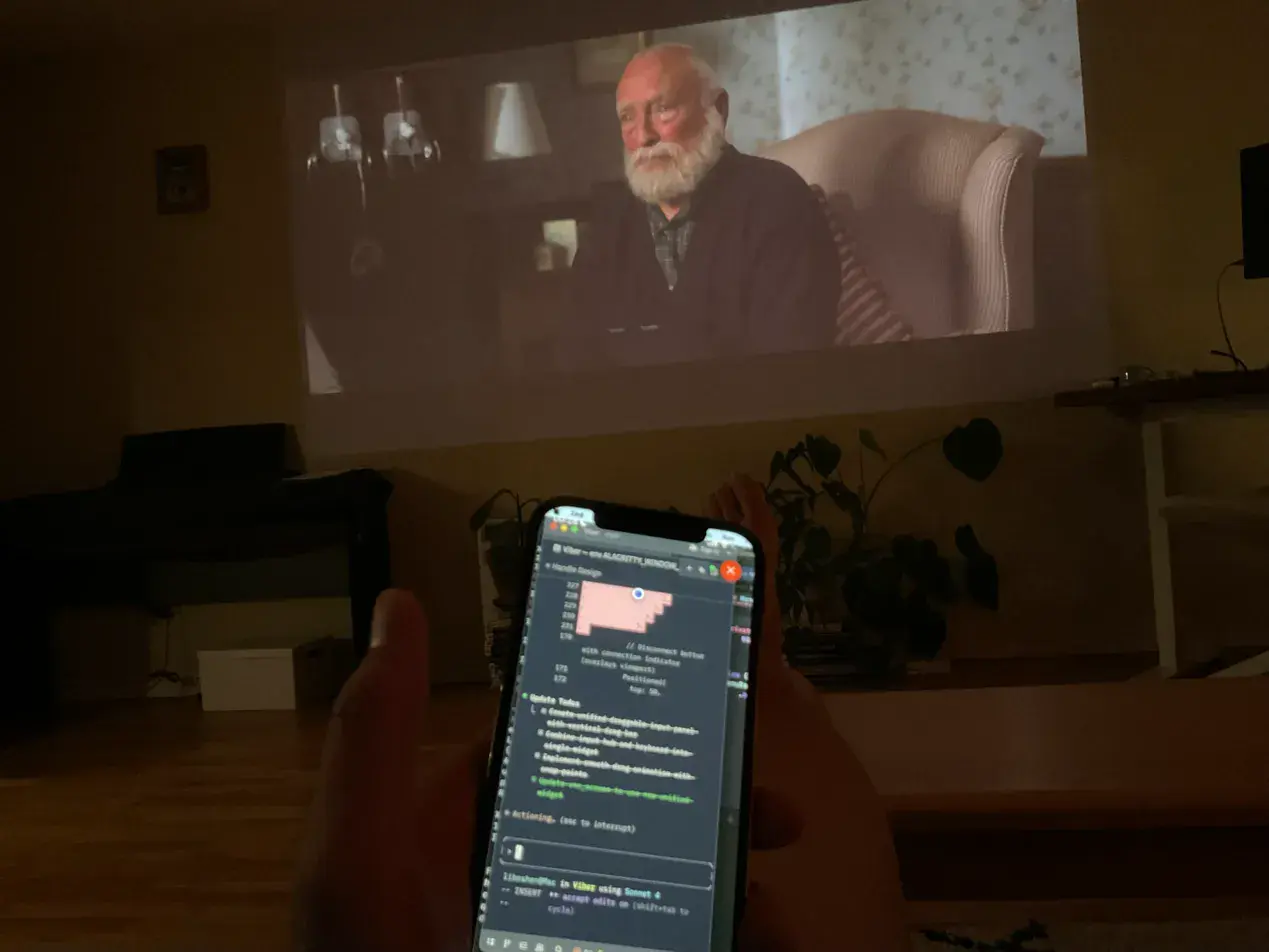
Building AFK with AFK — fixing bugs, running simulators, all from the couch while watching Thursday Murder Club.
Your full dev environment, from your pocket.
AFK is a remote desktop app that connects your phone to your Mac — designed for vibe coding, seriously. iOS and Android. Low latency, touch-optimized, just works.
Building AFK with AFK — fixing bugs, running simulators, all from the couch while watching Thursday Murder Club.
AFK connects you to your Mac. What runs on it is up to you.
Cloud sandboxes limit what you can do. Terminal-only tools limit what you can see. AFK gives you your full environment — browser, simulator, databases, running services.
Peer-to-peer WebRTC
Your phone connects directly to your Mac. Screen data and input never touch our servers.
Open source host
See exactly what's running on your machine. View on GitHub.
End-to-end encrypted
All traffic encrypted with DTLS-SRTP. Our signaling server only helps your devices find each other.
No account needed
Pair once with a code. Session keys stay on your devices. Just install and connect.
Get pinged on your phone when your AI agent finishes a task or needs your attention. One command to set up.
# Install CLI from the AFK Host menu bar, then:
$ afk setup
Detected coding tools:
✓ Claude Code
✓ Pi Coding Agent
✓ Claude Code — added hooks to ~/.claude/settings.json
✓ Pi Coding Agent — installed extension
Done. Notifications will appear on your phone when agents finish tasks.
Auto-detect
Finds Claude Code, Pi, and more on your system
Silent failure
Never blocks your agent if the host app isn't running
Local only
Uses a local socket — no network calls, no API keys
Connect from mobile to desktop.
iOS
iPhone & iPad
Android
Phone & Tablet
Product updates & new features.